Guide
What is AI takeoff?
In short
AI takeoff is software that reads a construction plan set and finds and measures the items on it (walls, floor areas, doors and fixtures) so an estimator does not have to trace each one by hand. A good one marks every quantity on the sheet so you can check it.
The manual way
A traditional takeoff means opening each sheet, setting the scale, then clicking along every wall and around every room, and counting every symbol. On a commercial set that is hours of work per trade, and the hard part is not clicking: it is reading the notes, schedules and details that say what each line really is.
What AI takeoff does
AI takeoff software does the finding and measuring. On a vector PDF it can read exact lengths from the drawing's geometry; on a scan it has to detect the walls and items in the image. It then groups what it found into line items with quantities and units.
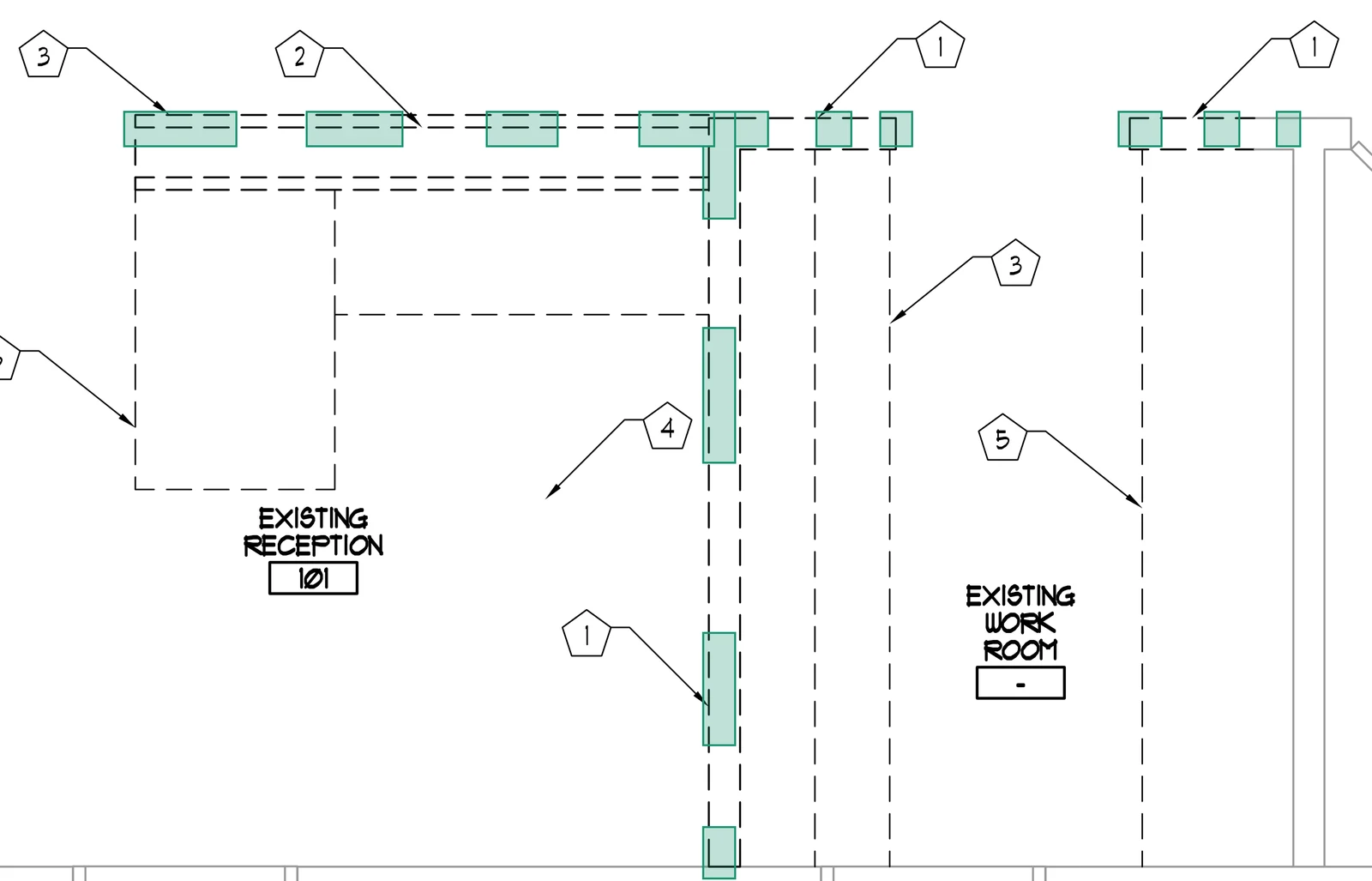
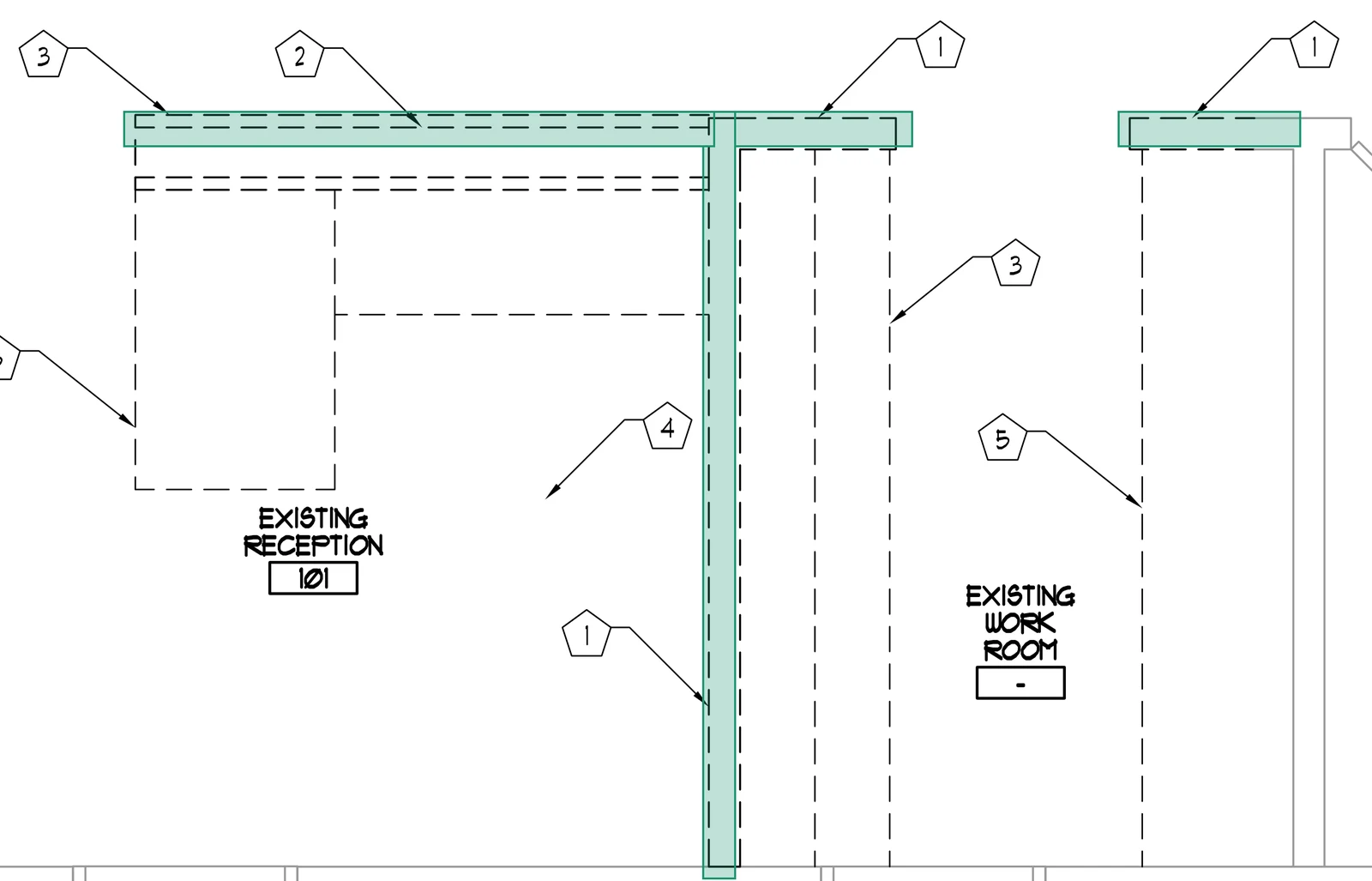
What you get back
- Line items with quantities, by trade or CSI division.
- Marks on the drawing showing where each quantity was measured, in the better tools.
- Prices, only in tools that go past takeoff into estimating.
- A proposal, only in tools that finish the job.
How Field24 does it
Field24 reads exact lengths from the PDF's vector layer, runs a wall detector on scanned sheets, counts openings, and links every row to its mark on the drawing. It then prices the takeoff and writes the proposal. You send the plans on WhatsApp, email or the web and answer two questions.
Common questions
Is AI takeoff the same as an estimate?
No. A takeoff is quantities; an estimate puts prices on them. Some AI tools stop at quantities and export them; others, like Field24, price them and write the proposal.
Do I still need to check an AI takeoff?
Yes, the same way you would check a junior estimator's. Marks on the sheet make that fast: you look at the drawing, not a spreadsheet.
Sources
Keep reading
Last reviewed November 9, 2026. Cite as: AI for Construction, “What is AI takeoff?,” https://ai-4-construction.com/guides/what-is-ai-takeoff/